
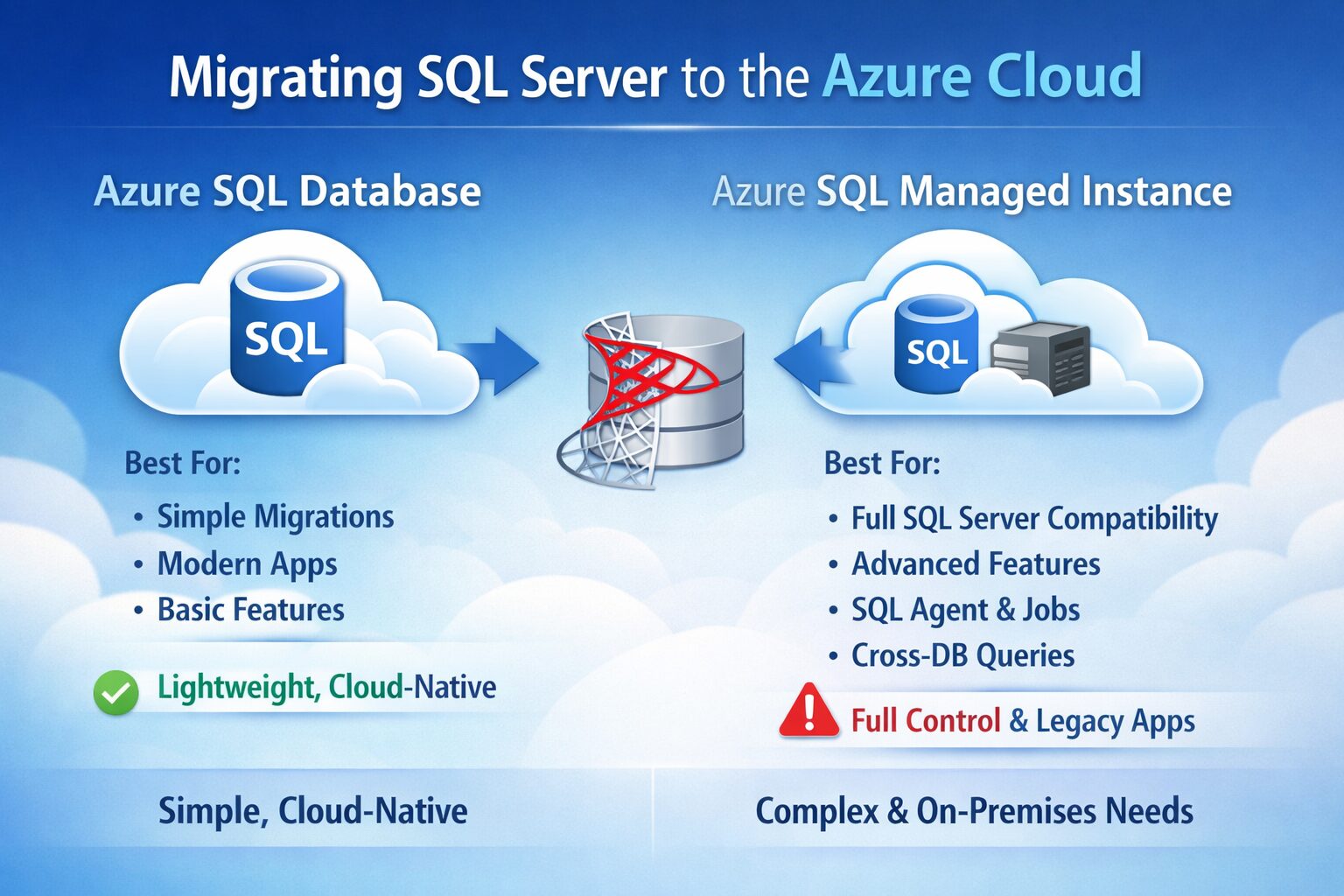
A SQL database might be prevented from moving to Azure SQL Database due to feature limitations or compatibility issues, which would then require the higher compatibility and instance-level features of Azure SQL Managed Instance (MI)
Reasons a SQL Database Might Not Move to Azure SQL Database
The primary blockers for migrating an existing SQL Server database to a standard Azure SQL Database (single database or elastic pool) often relate to a dependency on specific features that are not available in the standard PaaS offering:- Cross-database queries/transactions: Standard Azure SQL DB does not natively support transactions or queries that span multiple databases on the same instance, a common feature in on-premises SQL Server.
- SQL Server Agent jobs: The standard service does not support SQL Server Agent for scheduling and running jobs, requiring a re-engineering of automation tasks.
- Instance-level objects: Dependencies on server-level triggers, credentials, and specific logins that are not database users are generally not supported in the standard offering.
- Direct OS/file system access: Features that require direct access to the underlying operating system or file system, such as
BULK INSERTfrom a local file share (it can import from Azure Blob storage instead) or FileStream/FileTable, are not available. - Networking requirements: Applications with strict private network requirements may find the more limited networking options of Azure SQL DB a blocker compared to the full VNet integration of MI.
When Azure SQL Managed Instance (MI) is Required
Azure SQL Managed Instance is designed to provide near 100% compatibility with the latest on-premises SQL Server (Enterprise Edition) database engine, making it suitable when an application cannot easily be re-architected. Azure SQL Database MI would be required in the following scenarios:- Minimizing application re-engineering: It offers an instance-scoped environment, allowing for “lift-and-shift” migration of existing on-premises applications with minimal to no database changes.
- Instance-level feature dependencies: To support features like:
-
- Cross-database DML operations (queries and transactions).
- SQL Server Agent for job scheduling.
- Service Broker for message-based communication.
- Common Language Runtime (CLR) functionality.
- VNet integration and isolation: It provides dedicated virtual network (VNet) integration, which allows for greater network isolation and compliance with security requirements, a key differentiator from the standard SQL DB.
- Specific feature support: It supports features like In-Memory OLTP (in the Business Critical tier) and has different support for functionalities like
BULK INSERTusingDATASOURCEfor Azure Blob storage compared to the standard SQL DB. - Collocation of multiple databases: If an application requires multiple databases to reside on the same instance, MI supports this architecture.
