Picture a service desk agent investigating a ticket. It pulls up the relevant policy, proposes a fix, and shows the technician exactly what it intends to change. The technician can edit the proposal, approve it, or send the agent back for another pass. That’s the .NET 11 demo I want to build. The interesting part is watching an agent and a person work on the same problem, with the person in control of what happens next.
Microsoft released .NET 11 on November 10, 2026, with runtime 11.0.0, SDK 11.0.100, and C# 15 as the default for projects targeting net11.0. The release brings faster developer tooling, better ways to model application states, and updates across ASP.NET Core, EF Core, MAUI, and Windows desktop. For teams working with Microsoft Foundry and Microsoft Agent Framework, the new Blazor AI components are the part I’m most excited to try. Microsoft’s .NET 11 launch announcement
Should you move from .NET 10?
If your .NET 10 application is humming along in production, you have time to make a good decision. Microsoft currently lists November 14, 2028 as the end-of-support date for both .NET 10 LTS and .NET 11 STS. The labels describe their support periods from release, and .NET 10 shipped a year earlier. Keep your .NET 10 deployments current on servicing and pick a reason to upgrade that you can explain to a customer. A faster startup, a better workflow, or a dependency you can finally remove makes a better case than a higher version number. Microsoft’s .NET support policy
If you’re on .NET 8 or .NET 9, the clock is different. Both reached end of support on November 10, 2026. Move to a supported release. .NET 11 is a good candidate when your hosts and dependencies are ready. Patched .NET 10 is a practical choice when it gets you back to a supported version sooner. MAUI has its own calendar. MAUI 10 support ends May 11, 2027, and MAUI 11 support ends May 9, 2028. If you ship mobile apps, put that first date on your migration calendar. Microsoft’s .NET support policy · .NET MAUI support policy
What developers get on Monday morning
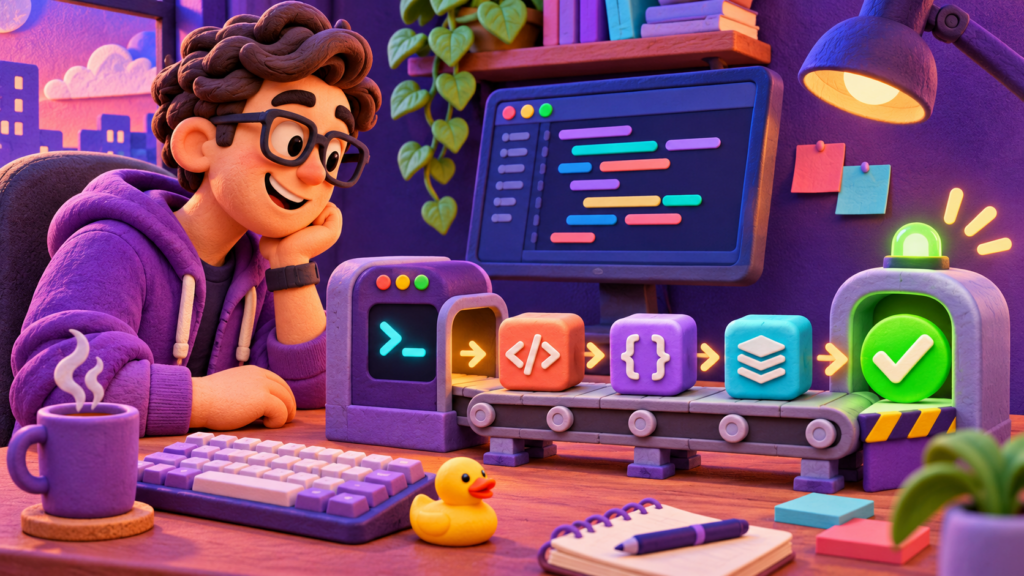
C# 15 gives application states a better home. A union can represent the alternatives an operation returns, and a closed class hierarchy can let the compiler check whether a switch covers all permitted cases. Think of a workflow that can finish, fail, or pause for approval. When you introduce a new outcome, compiler checks can help you find the code that needs to handle it. C# 15 also adds collection expression arguments, extension indexers, and labeled break and continue. The new memory-safety rules are still in preview. What’s new in C# 15
The build and test loop gets faster. The SDK uses a Native AOT command-line host and a warm MSBuild server to reduce overhead. File-based apps can span multiple files with #:include, the CLI can manage solution filters, and dotnet watch gains crash recovery and Aspire integration. If your suite uses Microsoft.Testing.Platform, dotnet test adds run timeouts, failure limits, clearer progress, and per-module results. Try the new SDK against your current net10.0 target on a branch to see what your team gains from the tooling alone. SDK and tooling changes
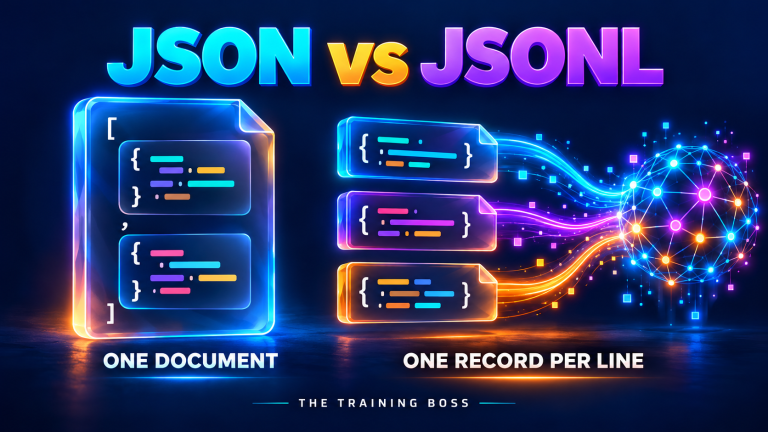
The runtime and libraries can take work off your plate. JIT improvements help with operations such as bounds checks and virtual calls, and Native AOT improves interface dispatch. Built-in Zstandard compression, child-process output capture, in-memory stream adapters, and LINQ’s FullJoin give you more options for replacing custom plumbing. System.Text.Json adds support for C# unions and JSON Lines output from async sequences. The runtime libraries use Runtime Async internally, and enabling it in your own application code is still a preview feature. Benchmark the paths your customers actually use before putting a performance number in a release note. Runtime changes · Library changes
From a chat box to an agent people can work with

Back to that service desk. A chat transcript can tell a technician what the agent did. A live interface can show what it’s doing, what it proposes to change, and where it needs a human decision. The experimental Blazor AI components give you building blocks for that interface, including streaming chat, tool activity, approval prompts, and typed shared state. For example, the agent can update a proposed remediation plan while the technician edits a field in the same view. The application still owns authorization and decides when to perform the action. Microsoft says Microsoft.AspNetCore.Components.AI will remain experimental and prerelease throughout .NET 11. Microsoft’s Blazor agent UI walkthrough
Here’s how the pieces fit together in a Foundry-backed application:
- Microsoft Foundry supplies the deployed model and can host your agent when you choose that hosting model. Microsoft’s guide to hosting Agent Framework agents in Foundry lists the .NET 10 SDK or later. Foundry hosted-agent guide
- Microsoft.Extensions.AI gives .NET code interfaces such as
IChatClientandIEmbeddingGenerator. They fit into familiar dependency injection and telemetry patterns and ship as NuGet packages. Microsoft.Extensions.AI overview - Microsoft Agent Framework coordinates the agent, its tools, and multistep workflows. Model Context Protocol (MCP) gives an agent a standard way to discover and call tools. The .NET 11 SDK includes a
dotnet new mcpservertemplate using the official C# SDK, a quick way to try exposing an application capability as a tool. Microsoft Agent Framework overview · .NET 11 launch announcement - Agent User Interaction Protocol (AG-UI) carries events between a remote agent and the interface, including progress, tool activity, approval requests, and shared state. The standalone AG-UI .NET SDK is stable. The Agent Framework ASP.NET Core AG-UI hosting integration is prerelease at launch. AG-UI .NET SDK announcement · .NET 11 launch announcement
If you already run agents on .NET 10, try the new interface against one existing workflow with a real approval step. See whether a user can understand the proposed action, reject it cleanly, and reconnect without losing track of the work. For agents that run without a UI, keep an eye on the Foundry and Agent Framework releases themselves. For example, Agent Framework for .NET 1.28.0 removed workflow span attributes including executor.input, executor.output, and message.content. If your dashboards or evaluation pipeline read those fields, the package upgrade deserves its own regression run. Agent Framework .NET 1.28.0 release notes
What changes in web, data, and client apps
- ASP.NET Core and Blazor. Async validation lets Minimal APIs and Blazor forms await a lookup. OpenAPI 3.2 is the default for generated documents and can describe server-sent event payloads. SignalR can refresh authentication on an existing connection. Blazor adds static rendering features such as
CacheView, and Interactive Server apps can opt into pausing inactive circuits. Check custom OpenAPI transformers against the 3.x object model, test generated customer clients, and exercise form posts and reverse proxies under the new request-handling behavior. ASP.NET Core release notes · ASP.NET Core migration guide - EF Core 11. Query translation improves for joins, grouping, and supported full outer joins. Complex types and JSON columns work with more inheritance mappings. EF Core 11 requires .NET 11, so check your provider before pairing the upgrades. With Cosmos DB, saving an entity can drop properties absent from the EF model, and synchronous I/O is removed. Test against copies of real documents. SQL Server teams using affected Microsoft Entra authentication modes should check the separate SqlClient Azure extension dependency. EF Core 11 features · EF Core 11 breaking changes
- MAUI and Windows desktop. MAUI moves to CoreCLR by default, adds preview incremental XAML Hot Reload, and changes the Windows
CollectionViewand Android Shell handlers. Check Android’s new minimum API level of 24 and the removal of 32-bit Android x86 support. WinForms offers opt-in modern rendering, and WPF gets fixes for window rendering, weak events, and self-contained publishing with mixed-mode dependencies. MAUI changes · WinForms changes · WPF changes · .NET 11 breaking changes
How I’d pilot the upgrade

- Pick one app and measure it. Record build time, startup, memory, and the metrics your customers care about. For a web service, include p95 latency and error rates. For an AI app, time model calls, tool calls, and your own application separately so you can tell where any improvement came from.
- Move the build and then the app. Install the SDK side by side, update
global.jsonif you pin the SDK, and run your existing build. Then retarget tonet11.0, preserve platform suffixes, and update compatible packages, workloads, and deployment images. Microsoft’s upgrade steps - Test what you’ll actually ship. Exercise the container, self-contained build, or framework-dependent deployment on representative customer infrastructure. The x86/x64 runtime now requires the x86-64-v2 instruction baseline, including SSE4.2 and POPCNT. Check older physical machines and VM CPU profiles early. Run regression tests against the real inputs your app handles, including database records, API payloads, and archives. Minimum hardware requirements · .NET 11 compatibility catalog
- Give the first customers a reason to volunteer. Pick a customer group that will see a measurable gain or use a new feature. Agree on what success looks like, test rollback with any data changes in scope, and bring the results to the next group.
Bring your .NET team along
The Training Boss can help you migrate to .NET 11 and train the people who will build and run it. We can assess your applications and dependencies, plan a phased migration, and work with your team on the first deployment. Our hands-on training can cover C# 15, ASP.NET Core, Blazor, Microsoft Foundry, and Microsoft Agent Framework, with exercises grounded in the work your developers do. Bring an application you want to modernize or an agent workflow you want customers to use. We’ll help you figure out what to build first and how to get your team ready to ship it. Contact The Training Boss for a consultation